Category Manager Menu
Overview
Category Manager Menu for visually navigating the Category Tree in Admin.
Easily perform actions such as:
- View/Edit Categories
- View Category hierarchy and current parent category
- Assign Products to a Category
- Add New Products to a Category
- Add Child Category
- Delete Category
Selecting the arrow icon in main navigation menu will display the top level categories.
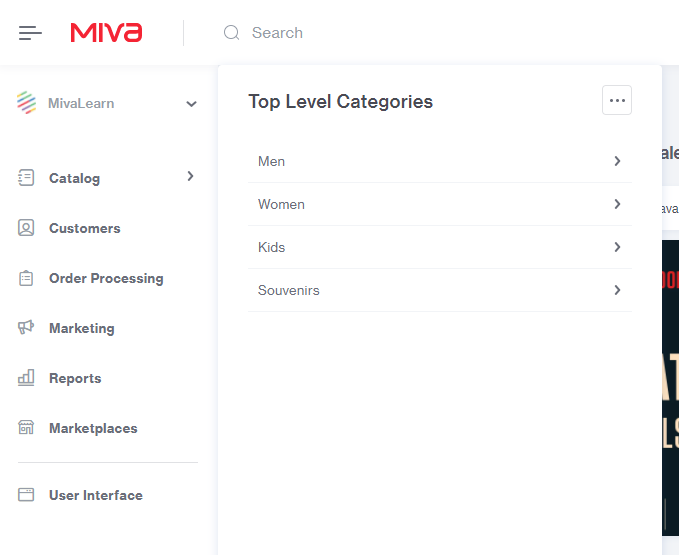
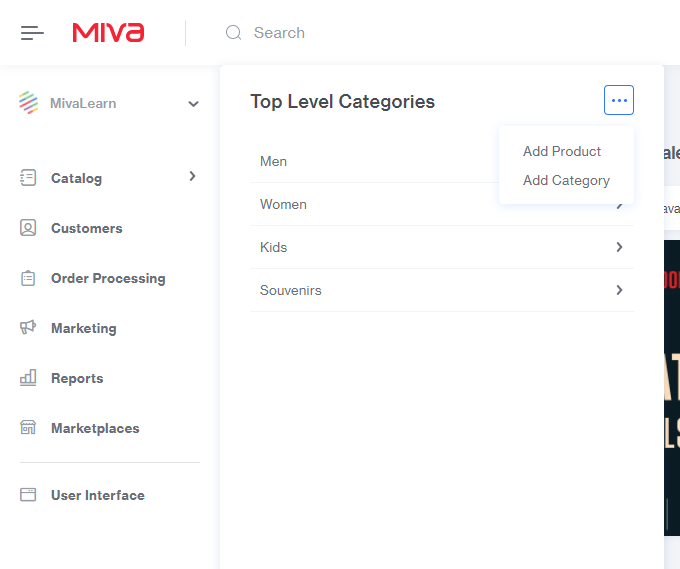
Selecting the more action [...] icon within the top level categories will have the options to add a product or category.
Selecting the arrow icon next to a category will navigate into a list of sub categories assigned.
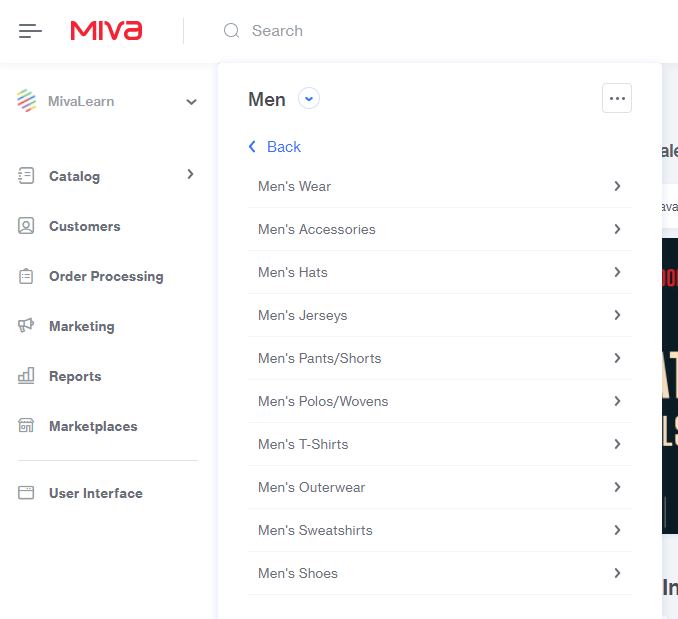
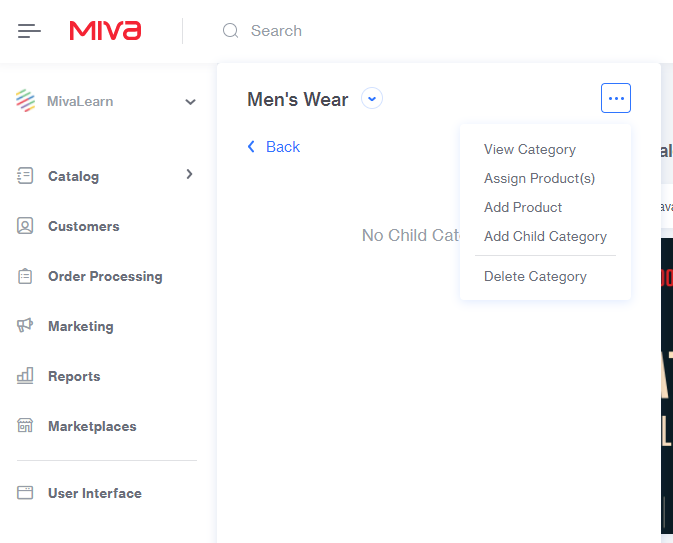
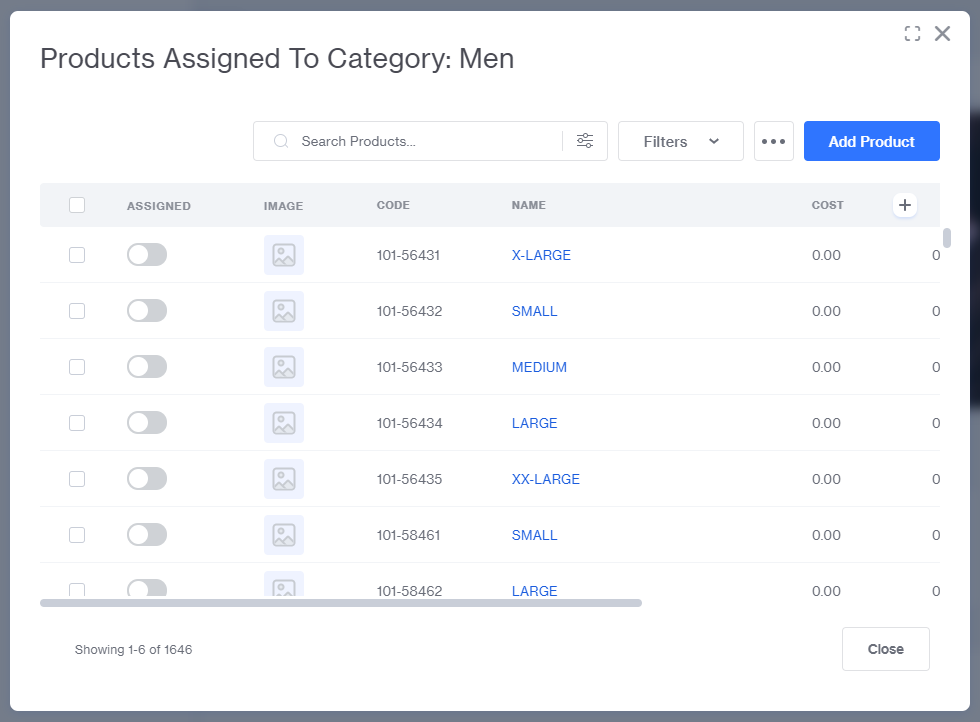
When in a subcategory the global more action [...] button will also include the options to view the category within the admin, assign products to the category, add a new product that will be assigned to the category, add a child category, and delete the category.
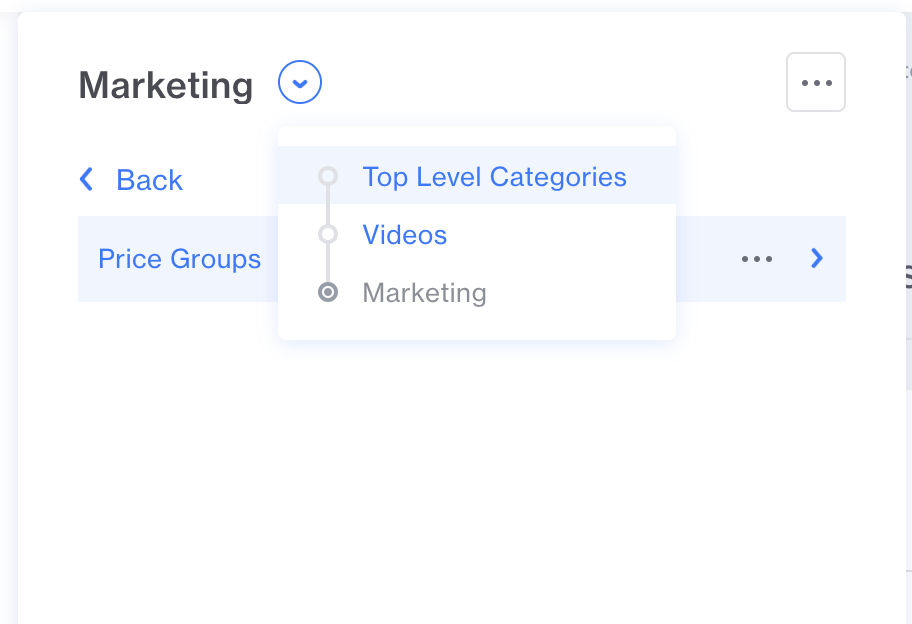
Finally, the drop down menu next to the parent category will give you a view of where you are within the category tree and provide a way to easily get back to any level you need.
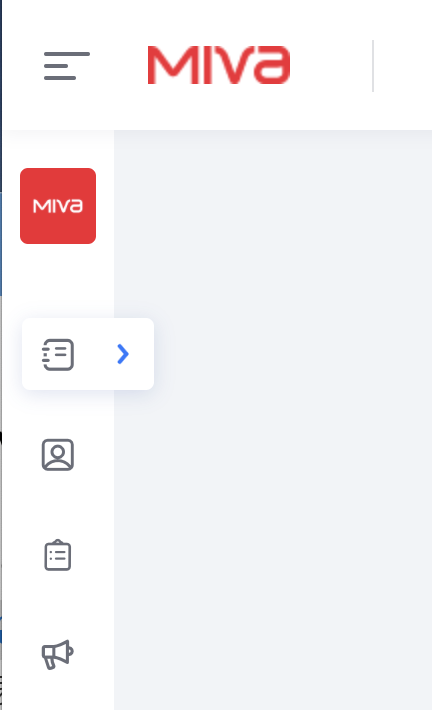
The category manager menu can also be accessed when the menu is in the collapsed mode: